
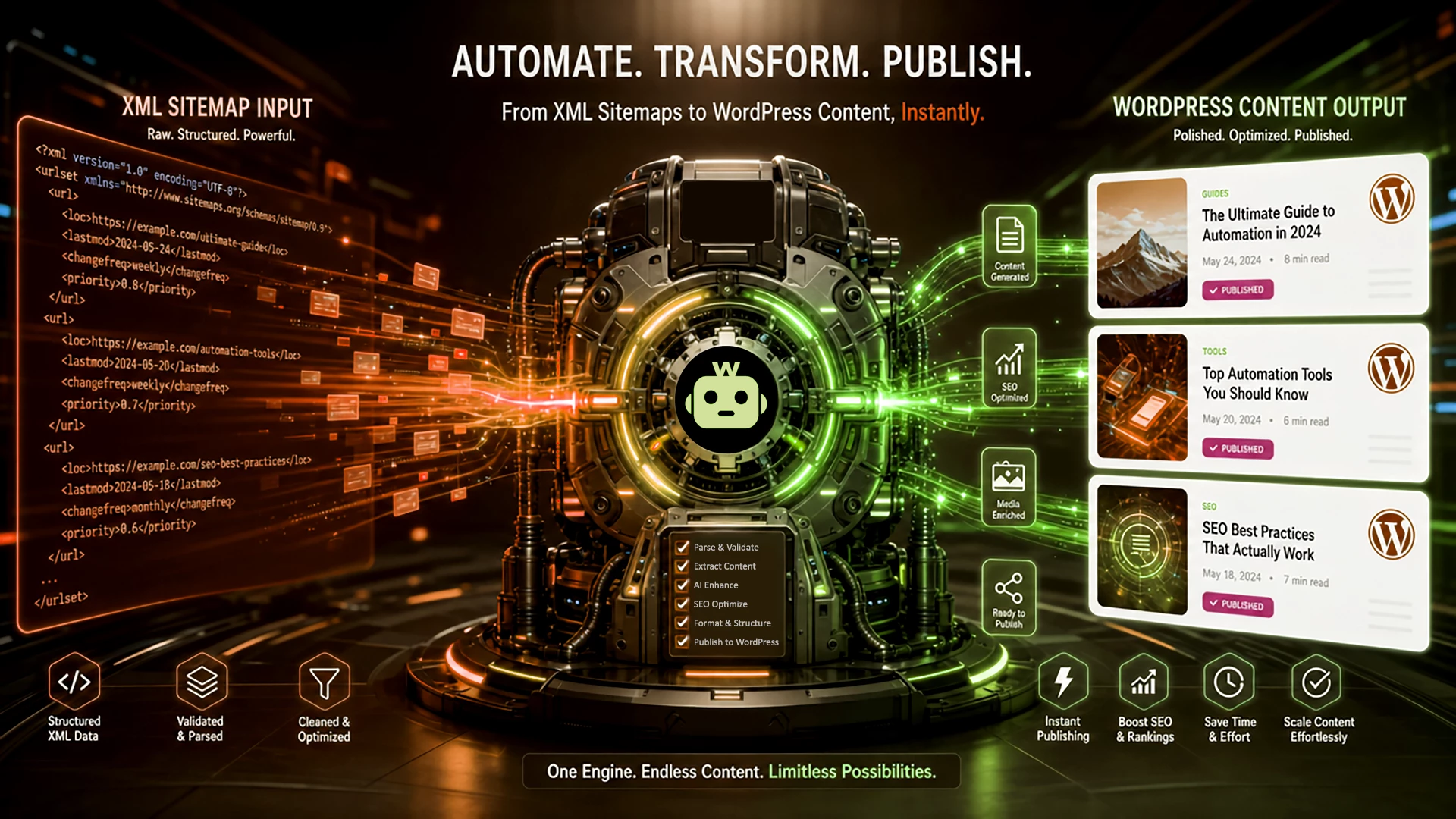
Most content syndication workflows rely on RSS feeds. However, many modern websites no longer expose full RSS feeds for their content, or they provide only limited versions. Instead, their content is made discoverable through XML sitemaps, which are designed for search engines rather than content syndication.
Unlike RSS feeds, XML sitemaps do not contain structured article data such as titles, excerpts, or full content. They simply list URLs of pages available on the website. This is where autoblogging plugins like CyberSEO Pro become useful, allowing WordPress users to treat sitemap URLs as input sources for importing and publishing posts.
A typical website sitemap is usually available at /sitemap.xml, and it often serves as an index file that references multiple specialized sitemaps for different types of content, such as posts, pages, or other sections of the site.
For example, if we take our own website as a test case and open https://www.cyberseo.net/sitemap.xml, we can immediately see that this is not a content feed itself, but a sitemap index pointing to several nested sitemaps:
https://www.cyberseo.net/addl-sitemap.xml
https://www.cyberseo.net/post-sitemap.xml
https://www.cyberseo.net/page-sitemap.xml
This is completely normal for large websites. Instead of keeping everything in a single file, they often split sitemaps into logical sections. One sitemap may contain blog posts, another static pages, product catalogs, documentation, or other content types. In our example, the naming already makes the purpose clear: post-sitemap.xml contains blog posts, while page-sitemap.xml contains static pages and documentation.
Once you’ve identified the sitemap containing the content you want to import, the process becomes extremely simple. Copy the desired sitemap URL – for example:
https://www.cyberseo.net/page-sitemap.xml
Then paste it into the New feed URL field in CyberSEO Pro Syndicator and click Syndicate.

However, there is one important technical detail you must understand. An XML sitemap is not an RSS feed. It contains only links to webpages. There are no <title>, <description>, <content:encoded>, publication dates, authors, categories, or article bodies inside.
A typical sitemap entry usually looks like this:
<url>
    <loc>https://www.cyberseo.net/rssretriever/</loc>
    <lastmod>2026-05-24T05:39:17+00:00</lastmod>
    <changefreq>weekly</changefreq>
    <priority>0.7</priority>
</url>
As you can see, the parser receives only a page URL plus some SEO metadata. There is no post title, no excerpt, and no article content available to import directly.
Because of this, standard feed parsing alone will not work.
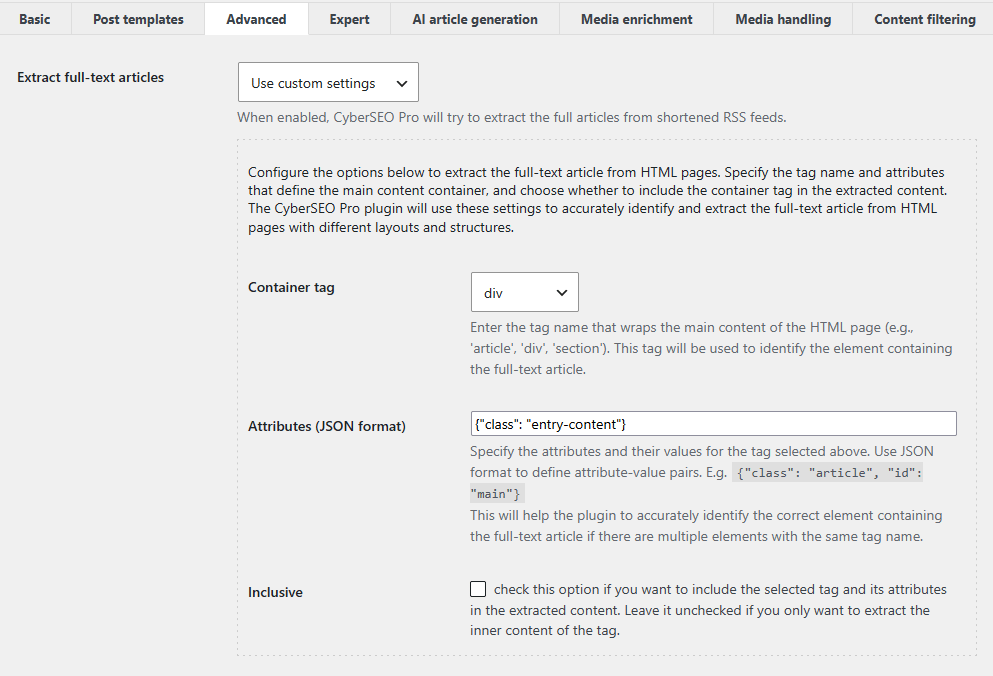
To actually retrieve the content from those URLs, you must enable full-text extraction. Open the feed settings, switch to the Advanced tab, and set Extract full-text articles to either Use Full-Text RSS script or Use custom settings.
The first option is a universal approach that works well in most cases. With CyberSEO Pro, every webpage listed in the sitemap is fetched, and the readable article body is automatically extracted from the HTML source. For most users, the process literally takes just a couple of clicks.

The second option, “Use custom settings,” is intended for advanced users who want precise control over extraction quality. Rather than relying on automatic detection, you explicitly tell the parser which HTML container contains the article’s actual content. This is done using container tags. This method is useful for complex layouts, documentation portals, heavily customized themes, and pages where automatic extraction captures too much navigation, sidebar, or unrelated markup. A detailed guide on using container tags can be found here.
No RSS feed is required. No custom scraping scripts are necessary. There’s no need for XPath-based extraction, browser automation, or complicated crawler configuration. If a website exposes its content through XML sitemaps – which most websites do – you can use those sitemap URLs as a reliable entry point for content discovery and let CyberSEO Pro automatically extract full articles.
XML sitemaps often provide a cleaner import source than RSS feeds because they expose a website’s complete URL structure rather than only the latest published items. This makes them a universal entry point for content discovery and automation across blogs, documentation systems, e-commerce platforms, and news websites.
As a result, XML sitemap-based importing has become a practical alternative to RSS-driven workflows for WordPress content automation, especially when building scalable content pipelines or performing site migrations.
Import RSS, XML, JSON, CSV and HTML as WooCommerce products with CyberSEO Pro